 Bojan
BojanThe Gmail Email Normalization Hack That Fixed My OAuth System
It started as a random login mismatch that made no sense. Same user. Same Google account. Different results. Two sign-ins with the same Gmail somehow created two different accounts in WordPress Multisite. OAuth wasn’t broken – my email matching logic was. The Hidden Gmail Quirk Gmail quietly ignores dots and plus signs in the local
It started as a random login mismatch that made no sense.
Same user. Same Google account. Different results.
Two sign-ins with the same Gmail somehow created two different accounts in WordPress Multisite.
OAuth wasn’t broken – my email matching logic was.
The Hidden Gmail Quirk
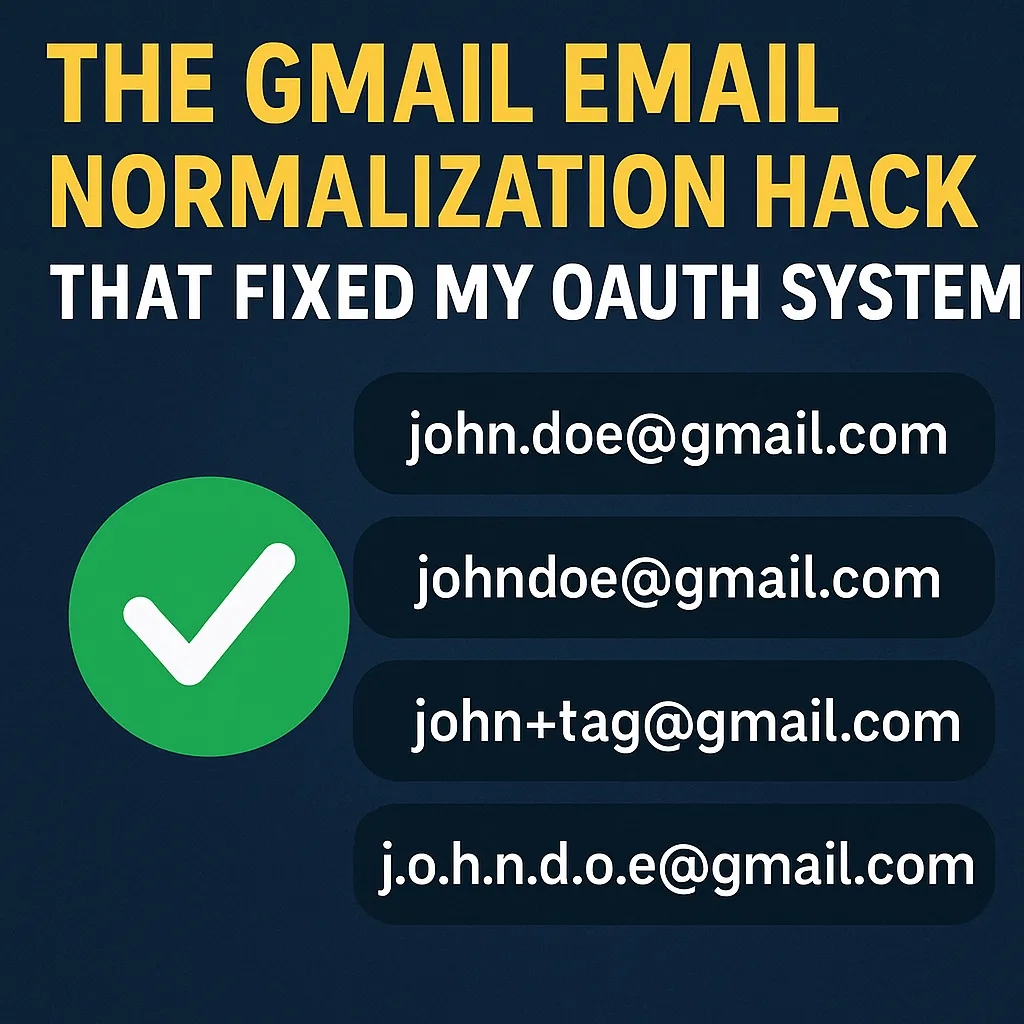
Gmail quietly ignores dots and plus signs in the local part of an address.
That means all of these are the same account:
[email protected]
[email protected]
[email protected]
[email protected]
But WordPress (and most databases) treat them as four separate users.
So when a user signs in with Google using [email protected], WordPress checks for that exact string.
No match → new user → duplicate account.
Suddenly your “sign in with Google” button can fracture your user base.
The Fix: Normalize Emails Before Matching
Instead of comparing raw emails, normalize them first.
/**
 * Normalize email for consistent OAuth matching
 */
function normalize_email($email) {
    $email = strtolower(trim($email));
    if (!str_contains($email, '@')) return $email;

    [$local, $domain] = explode('@', $email, 2);

    // Strip "+tag"
    if (($pos = strpos($local, '+')) !== false) {
        $local = substr($local, 0, $pos);
    }

    // Remove dots for Gmail accounts
    if (in_array($domain, ['gmail.com', 'googlemail.com'], true)) {
        $local = str_replace('.', '', $local);
    }

    return $local . '@' . $domain;
}
Now Gmail addresses normalize cleanly:
[email protected] → [email protected]
One user, one account, no duplicates.
It’s five lines of logic that fixed what could have become a nightmare later.
Why This Matters More Than It Looks
This is one of those bugs that hides behind “everything works fine” until scale.
You won’t notice it in development – you’ll notice it when customers start saying,
“I signed in with Google and now I have two dashboards.”
This single normalization step ensures:
- OAuth login matches the correct account
- Duplicates can’t be created accidentally
- Single Sign-On stays consistent across subdomains
- Account linking remains stable even if users change their Gmail alias
How It Fits in a Bigger System
The normalization hack is just one layer of a bigger authentication system I built for a multi-tenant WordPress SaaS.
- Cross-domain login tokens bridge users between subdomains using short-lived one-time tokens (5-minute expiry).
This allowssso.samplehq.ioto log users directly into their workspace oncompany.samplehq.io. - Workspace selection modal only appears when a user has access to multiple sites – it’s automatic, not hardcoded.
- “Don’t auto-add users” security rule ensures OAuth doesn’t silently give access to unauthorized sites.
Every login verifies membership before access. - Storage usage calculation recursively scans uploads to enforce plan limits without slowing uploads down.
The Gmail normalization might look like a tiny helper function,
but it’s part of a larger philosophy: make every assumption explicit before launch.
Lessons from This Fix
- Never trust external identity formats. Even Google hides quirks.
- Normalize at the boundary. Don’t store dirty data; clean it before it enters your system.
- Predict user mistakes before they happen. Every invisible rule (like Gmail’s dot rule) is a potential production bug.
- Security starts with explicit denial. If a user isn’t part of a site, deny access first – add later.
- Small utilities compound stability. The big problems disappear when you handle the tiny edge cases early.
The Takeaway
This five-line “Gmail normalization hack” isn’t just about cleaner code.
It’s about thinking like a system – not a script.
When you understand how identity works across providers,
you stop reacting to bugs and start engineering around them.
Most developers will never notice this issue until it burns them.
You can fix it right now – and never think about it again.