 Bojan
BojanFrom Chatbots to Autonomous Workflows: Inside Our 8-Agent Prospecting System
Most dashboards have a chatbot. That’s not the same thing as having AI agents. Here’s why the distinction matters – and how we built a prospecting dashboard where 8 specialized agents, 19 tools, and persistent memory connect your data sources, monitor signals, and automate outreach. The Chatbot Ceiling Every SaaS product is racing to bolt
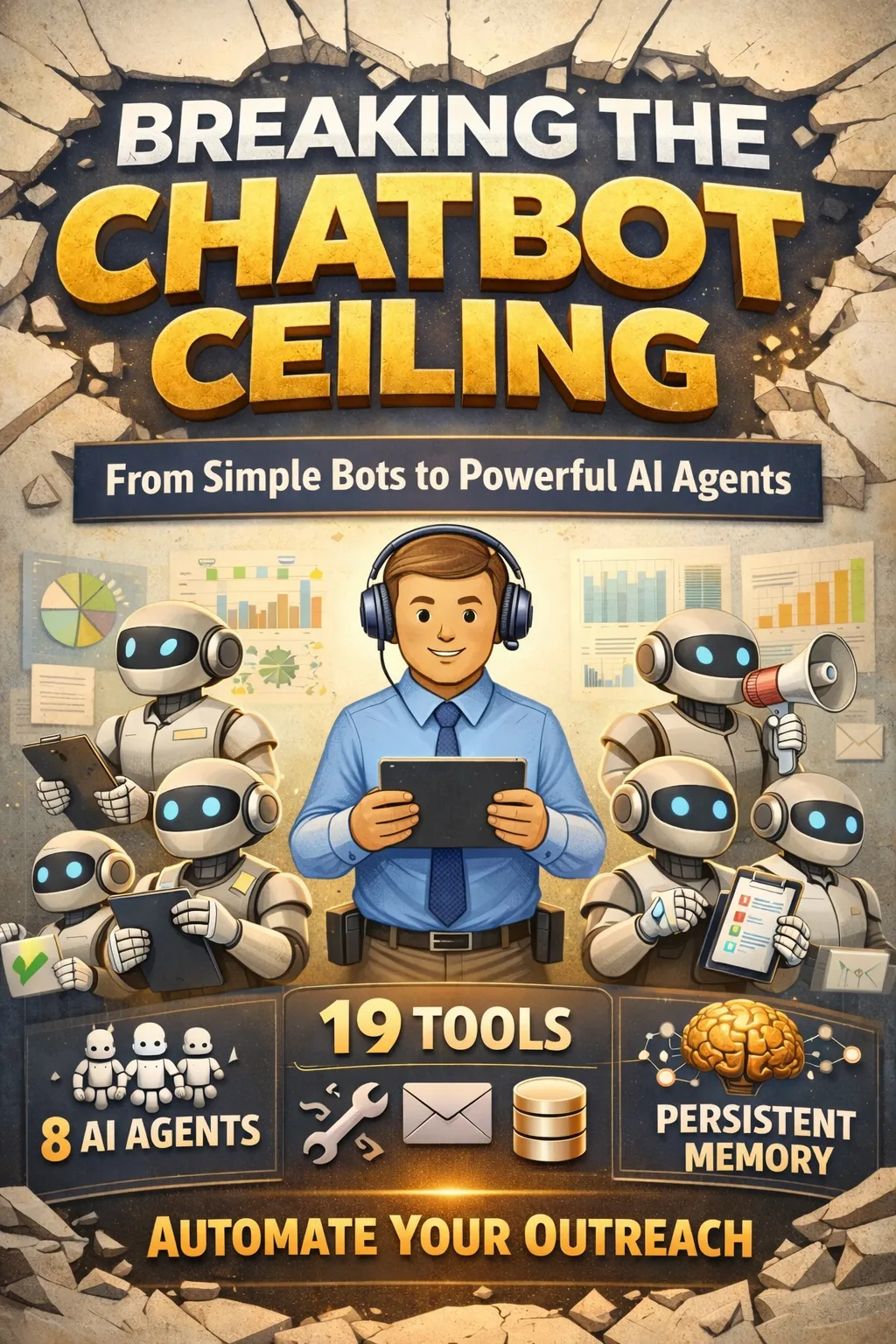
Most dashboards have a chatbot. That’s not the same thing as having AI agents. Here’s why the distinction matters – and how we built a prospecting dashboard where 8 specialized agents, 19 tools, and persistent memory connect your data sources, monitor signals, and automate outreach.
The Chatbot Ceiling
Every SaaS product is racing to bolt on AI. Most land on the same pattern: a chat bubble in the corner, powered by an LLM, that can answer questions about your data. “How many deals did we close last quarter?” It responds. You nod. You could have clicked two buttons to get the same answer.
This is the chatbot ceiling. It retrieves. It summarizes. But it doesn’t act.
When we set out to build our prospecting dashboard – a go-to-market platform for B2B manufacturers – we asked a different question: what if the AI didn’t just answer questions, but actually did the work?
Not “here’s a summary of your pipeline.” Instead: “I noticed 6 companies with new PE owners in the last 90 days, cross-referenced them against your prospect database, scored them by ICP fit, drafted personalized outreach for the top 3, and created follow-up tickets for your sales team.”
That’s not a chatbot. That’s an agent.
What Makes an Agent Different
The difference between a chatbot and an agent comes down to three things:
- Tool access. An agent can call external systems – query databases, send emails, create tickets, trigger enrichment APIs. A chatbot can only generate text.
- Specialization. Different tasks require different expertise. A single general-purpose model will give mediocre results across the board. Specialized agents with tailored system prompts and curated tool sets perform dramatically better.
- Memory. A chatbot forgets you the moment the session ends. An agent remembers your preferences, past research, and strategic context across every conversation.
Our prospecting dashboard implements all three. Here’s how.
8 Agents, Each With a Job
Instead of one generic AI assistant, the dashboard ships with eight specialized agents. Each has a distinct personality, a curated set of tools, and a specific domain of expertise:
Atlas is the orchestrator – general intelligence with full access to every tool and data source. It handles complex, cross-functional questions and coordinates the other agents across data sources and outreach channels. Think of it as the head of growth that never sleeps.
Sales Agent owns the pipeline. It manages deals, drafts outreach emails, tracks follow-ups, and monitors pipeline velocity. When a prospect needs a personalized touch, this is the agent that writes it.
Marketing Agent handles content and campaigns – planning content calendars, analyzing SEO data from Search Console, and drafting blog posts using your live traffic data.
Scraping Agent is the data collector. It discovers new prospects, scrapes company websites, and ingests industry signals from news feeds, job boards, and forums. It runs on a schedule so your signal database stays fresh.
Enrichment Agent fills in the gaps. Missing employee count? Unknown revenue? No contact info? It pulls from Apollo.io and about-page scraping to complete your prospect profiles.
Research Agent handles market intelligence – competitive analysis, market segment mapping, and industry trend identification. When you need to understand the landscape, this is your analyst.
Scoring Agent runs lead prioritization. It evaluates every prospect across 7 factors – employee fit, revenue fit, industry match, outreach history, signals, sample pages, and data completeness – on a 100-point scale. The score determines who bubbles to the top of your pipeline.
Analytics Agent is your reporting layer. It pulls live data from Google Analytics, Search Console, and Microsoft Clarity to report on traffic patterns, keyword rankings, and UX issues.
The key design decision: agents can consult each other. When the Sales Agent needs company research it doesn’t have, it calls the Research Agent. When Atlas is building a comprehensive market report, it delegates enrichment to the Enrichment Agent and scoring to the Scoring Agent. This isn’t a gimmick – it mirrors how real teams operate.
19 Tools That Actually Do Things
Agents are only as useful as the tools they can wield. The dashboard’s agents have access to 19 purpose-built tools that connect to real systems:
Data Tools
- query_prospects – Search, filter, and update the prospect database (180+ companies with revenue, employee, stage, and scoring data)
- query_signals – Pull industry signals: news, hiring, PE/M&A, forum discussions, product launches, regulatory changes
- query_ga4 – Google Analytics 4: sessions, page views, traffic sources, custom reports
- query_gsc – Google Search Console: keyword rankings, clicks, impressions, CTR
- query_clarity – Microsoft Clarity: rage clicks, scroll depth, session recordings, UX heatmaps
- query_wordpress – WordPress: create, edit, and publish blog posts
- query_google_docs – Google Docs: create and share documents
Action Tools
- manage_outreach – Log sales activities, prepare call scripts, manage the daily outreach queue
- manage_enrichment – Trigger data enrichment via Apollo.io and about-page scraping, single or batch
- manage_gmail – Send emails, read inbox, check for prospect replies – with automatic activity logging
- manage_discord – Post deal alerts, daily digests, and weekly reports to your team’s Discord
- manage_tickets – Create, update, and close project tickets with priority, assignees, and due dates
- manage_serper – Run Google searches or full prospect discovery pipelines
System Tools
- update_memory – Read and write to persistent memory that survives across all conversations
- consult_agent – Ask another specialized agent for help on a sub-task
Notice what’s not on this list: “generate text” or “summarize data.” Those are table stakes. The real value is in tools that change state – update a prospect’s stage, send an email, create a ticket, enrich missing data. When the AI can act, not just advise, the entire workflow changes.
Integrations: Connecting Your Data Sources
A prospecting dashboard is only as powerful as the systems it talks to. Rather than building everything in-house, agents connect to the platforms your team already uses – pulling data in and pushing actions out across 11 integrations:
Analytics
Google Analytics 4 feeds agents traffic trends, source attribution, and page-level performance metrics. Google Search Console provides keyword rankings, search impressions, and click-through rates. Microsoft Clarity adds the UX layer – session recordings, rage clicks, scroll depth, and heatmaps. Together, these three give the Analytics Agent a complete picture of how visitors find and interact with your site.
Content
WordPress lets the Marketing Agent publish blog posts, manage drafts, and update SEO metadata directly. Google Docs is used for longer-form work – research documents, outreach drafts, and meeting notes that agents create and share with your team.
Prospecting & Enrichment
HubSpot syncs prospect data, deal stages, and contact information bidirectionally – changes in the dashboard push to HubSpot and vice versa. Apollo.io powers the Enrichment Agent, looking up company details, employee counts, revenue estimates, and contact emails. Serper runs Google searches for prospect discovery and competitive research.
Communication
Gmail is the outreach backbone – the Sales Agent sends emails, checks for replies, and logs all activity automatically. Discord keeps the team informed with deal alerts, daily digests, and weekly pipeline reports posted to designated channels.
Data
OpenAI powers the reasoning layer – agent decision-making, tool selection, and natural language generation across every interaction.
Each integration has a connected/not-configured status and can be set up without touching code. The key insight: agents don’t just read from these sources – they write back. The Sales Agent sends emails through Gmail, posts alerts to Discord, and syncs deal stages to HubSpot. The Marketing Agent publishes blog posts to WordPress. The Analytics Agent pulls live data from GA4 and Clarity. It’s a two-way bridge between your agents and your existing tools.
Automation: Agents That Work While You Sleep
The chat interface is where you direct agents in real time. But the highest-value work often happens on a schedule – recurring tasks that agents run in the background without any human prompt.
The Automation page lets you define scheduled tasks, assign them to specific agents, and monitor their execution. Here’s what a typical setup looks like:
Every morning at 6 AM, the Scraping Agent runs signal ingestion – pulling fresh news, hiring posts, and forum discussions into the database. An hour later at 7 AM, the Scoring Agent refreshes prospect scores, recalculating priorities based on the new signals. By the time you open the dashboard, your pipeline is already updated.
On Monday mornings at 9 AM, Atlas runs a weekly pipeline review – summarizing stage movement, flagging stalled deals, and posting a digest to Discord. On Wednesdays, the Marketing Agent tracks SEO keywords, pulling fresh ranking data from Search Console.
Every afternoon at 2 PM, the Sales Agent checks outreach follow-ups – scanning Gmail for prospect replies and flagging deals that need attention. And on the first of each month, the Research Agent runs competitor monitoring, checking for new entrants, product launches, and positioning changes across the market.
Each task shows its last run time, current status (completed, running, or failed), and an enabled/disabled toggle. You can also trigger any task manually with a “Run Now” button.
This is where the “autonomous” part of the dashboard becomes real. The Scraping Agent ingests new signals every morning at 6 AM. By 7 AM, the Scoring Agent has already re-scored your prospects based on those signals. By the time you open the dashboard, your pipeline is already updated and prioritized – with no human in the loop.
The Outreach follow-up check runs every afternoon, scanning Gmail for prospect replies and flagging deals that need attention. The weekly pipeline review summarizes movement across all stages and posts a digest to Discord. These aren’t cron jobs running dumb scripts – they’re full agent sessions with access to all 19 tools, capable of making decisions and taking action.
Memory That Persists
Here’s a scenario that breaks every chatbot: you spend 30 minutes with an AI researching your competitor landscape. You identify three key positioning gaps. You close the tab. Two days later, you come back and ask “what were those positioning gaps we found?” The chatbot stares at you blankly.
The dashboard solves this with a persistent memory layer – a shared notepad that every agent can read from and write to across all conversations. When the Research Agent discovers that your top competitor lacks a key integration, it writes that insight to memory. Two weeks later, when the Sales Agent is drafting an outreach email, it reads that insight and weaves it into the messaging.
This isn’t conversation history (we keep that too). It’s organizational knowledge that accumulates over time. The more you use the system, the smarter every agent becomes about your specific business.
The Skills Marketplace: Extensibility Without Engineering
Eight agents and 19 tools cover the core workflow. But every team has unique needs. The Marketplace offers pre-built skills across five categories – Sales, Research, Content, Analytics, and Operations – that add specialized capabilities with a single toggle:
- Cold Outreach Writer – drafts personalized emails using prospect signals and pain points
- Pipeline Forecaster – predicts close rates by analyzing velocity and stage distribution
- Competitor Analyst – generates battle cards and positioning matrices
- SEO Keyword Hunter – finds high-intent, low-competition keywords from your Search Console data
- UX Detective – analyzes Clarity session data to find conversion blockers
- Report Builder – generates formatted weekly and monthly reports from agent activity
And for teams that need truly custom tools, the dashboard supports the Model Context Protocol (MCP) – an open standard for connecting AI to external systems. Add your own MCP servers via HTTP or SSE, and their tools appear alongside the built-in ones. No code changes needed.
What This Looks Like in Practice
Let’s walk through a real scenario. It’s Monday morning. You open the dashboard and type into the chat:
“What happened over the weekend? Any new signals I should know about?”
Atlas checks the signals database, finds three new items: a PE acquisition of a label manufacturer in Wisconsin, a hiring post for a “Sample Coordinator” at a $200M packaging company, and a forum thread on Reddit about frustrations with sample management.
But it doesn’t stop at reporting. Atlas cross-references the PE acquisition against your prospect database, finds the company is already tracked but sitting at “Low” priority, and suggests bumping it to “High” with a note about the 6-month post-acquisition buying window. It drafts a ticket for your sales lead to follow up. It writes a memory note about the PE wave trend.
You reply: “Draft outreach for the PE company. Mention their new ownership as a trigger.”
Atlas hands off to the Sales Agent, which pulls the prospect’s data, reads the Enrichment Agent’s notes about their tech stack, checks memory for competitive positioning insights, and drafts a personalized email. It logs the activity, sets a follow-up reminder, and posts a notification to your team’s Discord.
One conversation. Five tools used. Three systems updated. Zero manual data entry.
Meanwhile, in the background, the Scraping Agent already ingested this morning’s signals at 6 AM, the Scoring Agent re-scored all prospects by 7 AM, and the Outreach follow-up check will scan for replies this afternoon – all without you lifting a finger.
The Paradigm Shift
The distinction between “AI-enhanced” and “AI-native” is the distinction that will separate the next generation of SaaS tools from the current one.
AI-enhanced means: your existing workflow, with a chatbot layered on top. The AI is decoration.
AI-native means: the AI is the workflow. You describe what you want done. Agents figure out which tools to use, which data sources to query, which other agents to consult. They execute, they remember, they learn your context over time.
We’re not fully there yet – no one is. There are still rough edges, hallucination risks, and tasks that need human judgment. But the trajectory is clear: the dashboard of the future isn’t a collection of charts you interpret manually. It’s a team of agents that interpret the charts for you and take action on what they find.
The question isn’t whether your prospecting tools will have AI agents. It’s whether you’ll build the plumbing for them now – the tools, the memory, the integrations, the inter-agent communication – or bolt them on later when the architecture wasn’t designed for it.
We chose to build it in from the start.