 Bojan
BojanWhat I Learned Building CRM-Connected Workflows on WordPress
Building real CRM integrations on WordPress Multisite taught me things no tutorial covers: edition-aware Salesforce probing, webhook deduplication, cross-domain SSO, and why multi-tenant isolation is the hardest part.
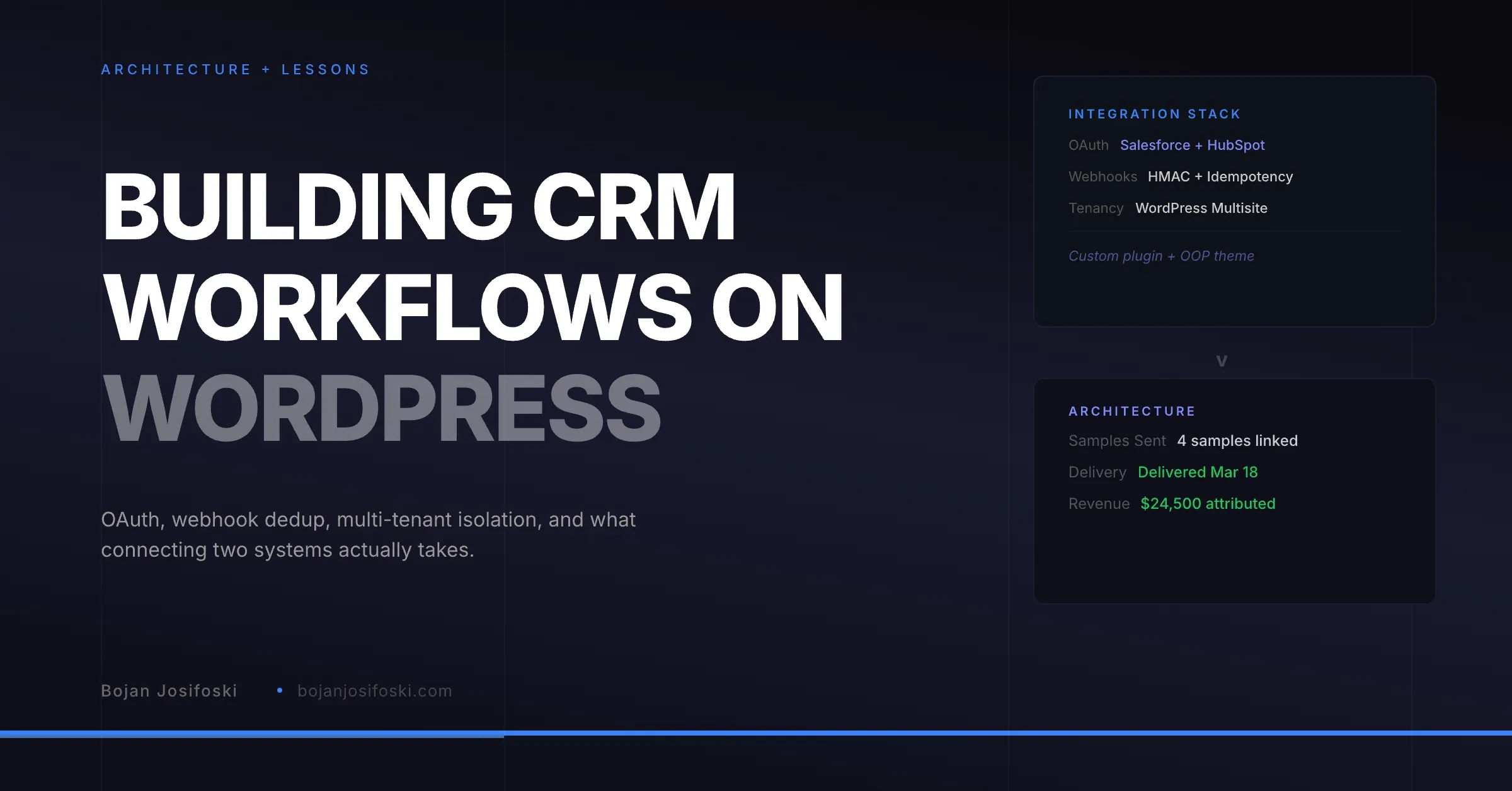
When I decided to build SampleHQ on WordPress, the most common reaction was skepticism. WordPress is for blogs and brochure sites. It is not a platform for B2B SaaS with CRM integrations, multi-tenant data isolation, and real-time webhook processing.
Two years later, the system handles Salesforce and HubSpot integrations, processes shipping webhooks from Shippo, manages revenue attribution across tenant workspaces, and runs background jobs through Action Scheduler. I have written about the broad architecture before. This post is about the specific lessons from building CRM-connected workflows, because that is where the hardest problems live.
OAuth Is the Easy Part
Getting OAuth working with Salesforce and HubSpot is well documented. Both platforms have decent developer docs. You set up a connected app, configure redirect URIs, exchange codes for tokens, and store the credentials. That part takes a few days.
The hard part starts on day thirty. Tokens expire. Refresh tokens get revoked when someone changes their Salesforce password. HubSpot occasionally rotates scopes in their API updates. Your integration needs to handle all of these gracefully, without the user noticing.
In practice, this means encrypted token storage with automatic refresh, clear error states when a connection is broken, and a reconnection flow that does not require the user to start from scratch. I store all CRM credentials encrypted in the database with AES-256-GCM, and the system probes the connection health on every significant operation. If the token fails, the user sees a clear “reconnect” prompt rather than a mysterious error.
Salesforce Editions Are a Landmine
I have written about Salesforce edition constraints extensively. But it is worth reiterating here because this single issue caused more integration failures than any other.
Salesforce Essentials does not expose the REST API. Professional edition may require an API add-on. Custom objects are not available on every edition. Visualforce pages, which you need for embedded experiences, are Enterprise and above.
The solution I landed on is a capability probe that runs during the OAuth setup. When a user connects their Salesforce org, the system tests what the org actually supports: Can I query custom objects? Can I deploy metadata? Is the Visualforce API available? Based on those results, the connection gets a mode: full, light, or read-only. Each mode enables a different set of features.
This is more work than assuming everyone runs Enterprise. But it means the integration does not break silently for users on lower editions. They get a degraded but functional experience, with clear messaging about what their edition supports.
Webhook Deduplication Is Non-Negotiable
Both Salesforce and HubSpot send webhook events. Both platforms occasionally send the same event multiple times. If you process duplicate events, you get duplicate data, duplicate notifications, and corrupted attribution calculations.
The fix is an idempotency layer. Every incoming webhook gets a hash computed from its scope and unique identifier. Before processing, the system checks whether that hash already exists in the idempotency table. If it does, the event is acknowledged but not processed. If it does not, the event is processed and the hash is stored with a seven-day TTL.
This sounds simple, but getting it right requires careful scoping. A deal update from HubSpot needs a different idempotency scope than a contact update. A Shippo tracking webhook needs a different scope than a Salesforce opportunity change. The hash must be unique within its scope but not across scopes.
Multi-Tenant Isolation on WordPress Multisite
Each SampleHQ workspace is a WordPress Multisite subsite. This gives natural data isolation at the database level because each subsite has its own table prefix. But CRM integrations add complexity because OAuth state, webhook endpoints, and token storage all need to work across the multisite boundary.
OAuth redirects come back to the main site because that is where the connected app is configured. But the tokens belong to a specific tenant’s workspace. So the OAuth callback has to resolve the tenant from the state parameter, store the tokens in the correct subsite’s context, and redirect the user back to their workspace. All without leaking data between tenants.
Webhooks are similar. HubSpot sends webhook events to a single endpoint on the main site. The webhook handler has to identify which tenant the event belongs to, switch to that tenant’s blog context, process the event, and switch back. If any of this goes wrong, you either process the event in the wrong tenant or miss it entirely.
I solved this with a tenant resolver that runs on every API request. It looks at the request domain, the blog ID in the route, or the tenant identifier in the webhook payload, and switches to the correct context before any business logic runs.
Background Jobs Make or Break the Experience
CRM operations are slow. A Salesforce metadata deployment can take thirty seconds. A HubSpot contact sync across a hundred records takes minutes. If you run these synchronously, the user stares at a spinner and eventually assumes the system is broken.
Action Scheduler, which is the same job queue that WooCommerce uses, handles all long-running operations. CRM setup jobs, attribution backfill, webhook retries, and bulk syncs all run as background tasks. The user sees a progress indicator and can continue working while the system processes in the background.
The key lesson here is that async processing is not optional for integration-heavy applications. Any operation that depends on an external API should be queued, retried on failure, and tracked for completion. Synchronous API calls are acceptable for quick lookups like contact search. Anything that modifies data or takes more than a few seconds needs to be async.
Cross-Domain SSO Is Surprisingly Hard
WordPress Multisite was not designed for cross-domain authentication. Each subsite can have its own domain, and cookies are scoped to domains. When a user logs into the main site and then navigates to their workspace subdomain, they are not automatically authenticated.
The solution is a one-time login token system. When a user authenticates on the main site, the system generates a short-lived token (five-minute TTL) and redirects them to their workspace with that token in the URL. The workspace validates the token, creates a local session, and the user is logged in. The token is immediately consumed so it cannot be reused.
Getting this right involved solving redirect loops (what happens when the workspace redirects back to the main site for auth, which redirects back to the workspace), preventing cross-tenant access (what happens when a user has accounts on multiple workspaces), and handling edge cases like expired tokens and concurrent login attempts.
What WordPress Gets Right
Despite the challenges, WordPress provides real advantages for this kind of application. The plugin architecture allows clean separation between the core platform, the CRM integration layer, and the billing system. Hooks and actions provide a pub-sub system for decoupling business logic. The REST API is solid enough to build a modern frontend on top of. And the ecosystem means you are not building email transport, image handling, or user management from scratch.
The choice to build on WordPress was not about convenience. It was about velocity. I could focus engineering time on the hard problems, CRM integration, attribution logic, multi-tenant isolation, rather than rebuilding infrastructure that WordPress already provides.
The result is SampleHQ, and the architecture decisions behind it are the reason the CRM integrations work reliably across Salesforce editions, HubSpot accounts, and tenant workspaces.