 Bojan
BojanWhat Migrating a Data Model Taught Me About Backwards Compatibility
You cannot just change the schema when existing orders have data in the old format. The dual-read pattern lets you evolve data models in production without breaking what already works.
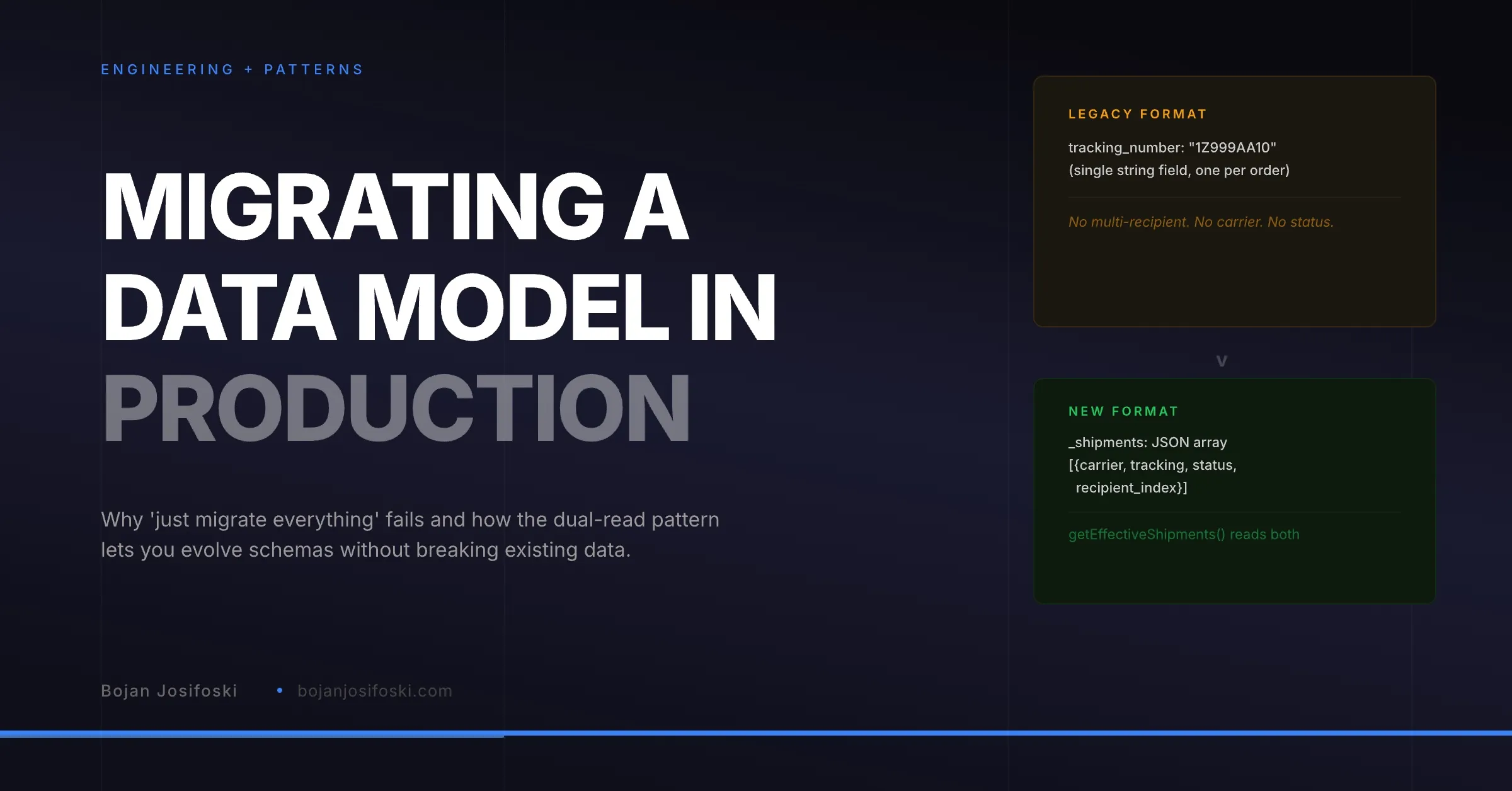
One of the most underappreciated problems in production software is data model migration. Not database migrations in the Rails sense, where you add a column and deploy. The harder kind, where the shape of your data needs to fundamentally change, but existing records are already stored in the old shape and your application needs to read both.
I hit this problem while building the shipment tracking system in SampleHQ. The original implementation stored shipment data as a single tracking number field on each order. Simple. Worked fine. Until it did not.
When the Simple Model Breaks
The original model was a single post meta field: tracking_number. One string per order. This worked when every order had one shipment to one recipient via one carrier. Then customers started requesting features that broke the model.
Multi-recipient orders. A single order with samples going to three different locations. Each location needs its own carrier, tracking number, and delivery status. A single string field cannot represent this.
Carrier information. Knowing the tracking number is not enough if you do not know the carrier. UPS and FedEx tracking numbers have different formats and different tracking URLs. The system needs to know which carrier to query for status updates.
Shipment lifecycle. A shipment moves through states: label created, shipped, in transit, out for delivery, delivered, failed. Storing this alongside a tracking number requires structured data, not a flat string.
The new model needed to be a JSON array of shipment objects, each with carrier, tracking number, status, and recipient index. The question was how to get there without breaking every existing order in the system.
Why “Just Migrate Everything” Fails
The obvious approach is a migration script. Read every order, convert the old tracking_number to the new _shipments format, write the new field, delete the old one. Clean and complete.
In theory. In practice, this approach has problems that do not surface until deployment.
First, migration timing. In a multi-tenant system with hundreds of workspaces, migrating every order across every tenant takes time. During that time, some tenants are on the old format and some are on the new format. Any code deployed during the migration window needs to handle both, which means you need the dual-read pattern anyway.
Second, rollback safety. If the migration has a bug that corrupts data, rolling back requires restoring from backup. In a SaaS platform, restoring a specific tenant’s order data from backup while leaving everything else intact is operationally complex. A non-destructive migration that preserves the old data alongside the new data gives you a rollback path that does not involve backup restoration.
Third, edge cases. Some orders might have tracking numbers in unexpected formats. Some might have empty strings instead of null. Some might have been created by an earlier version of the API that stored data slightly differently. A migration script that handles the common case and fails on edge cases will corrupt exactly the orders you cannot afford to lose.
The Dual-Read Pattern
The pattern I implemented is what I call dual-read. The application writes to the new format only. But when reading, it checks both formats and returns whichever is present, with the new format taking priority.
In practice, the getEffectiveShipments() function works like this: First, check for the _shipments meta field. If it exists and is a valid JSON array, return it. If not, check for the legacy tracking_number field. If it exists, wrap it in the new format structure (with carrier defaulting to “unknown” and status defaulting to “shipped”) and return that.
This means every part of the application that reads shipment data goes through one function. That function handles both formats transparently. The rest of the codebase does not know or care which format is stored. It always gets the new structure back.
Gradual Migration
With the dual-read pattern in place, migration happens gradually. Every time an order is updated, the old tracking number is preserved, and the new _shipments field is written with the full structured data. Over time, the percentage of orders using the old format decreases as orders are touched through normal operations.
You can accelerate this with a background migration job that converts old records in batches. But it is not urgent. The dual-read pattern means the application works correctly with both formats indefinitely. The migration job is a cleanup optimization, not a deployment blocker.
What This Pattern Teaches
The broader lesson is that data model changes in production systems should be additive, not destructive. Add the new field. Write to the new format. Read from both. Let the old format age out naturally or migrate it in the background.
This applies beyond shipment tracking. Any time you need to change how data is structured, whether it is moving from a flat field to a JSON object, splitting one field into multiple fields, or changing the meaning of a status value, the dual-read pattern gives you a safe migration path.
The alternative, a big-bang migration that converts everything at once, works in development. It works in staging. It breaks in production when you discover an edge case at 2 AM that your migration script did not handle, and rolling back means restoring a database backup across a multi-tenant platform.
Write new. Read both. Migrate gradually. It is more code than a clean migration, but it is code that lets you sleep at night.
This pattern runs in SampleHQ‘s shipment tracking system. Orders created before the migration still work perfectly. Orders created after use the full structured format. The transition was invisible to every customer.