 Bojan
BojanThe Real Cost of Managing Samples in Spreadsheets
Spreadsheet-based sample tracking does not just slow teams down. It creates compounding data problems that cost real money in lost follow-up, wasted samples, and invisible attribution gaps.
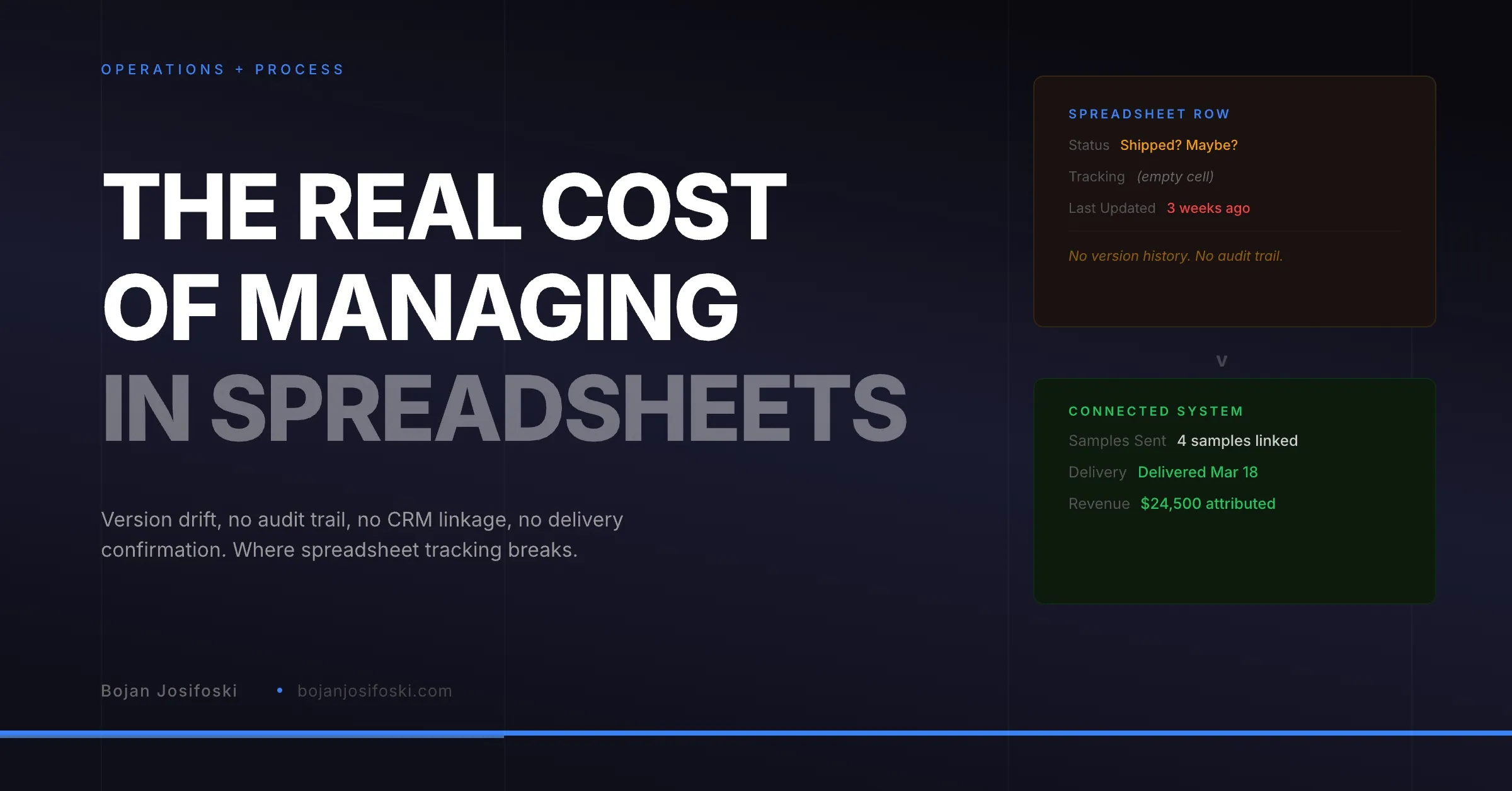
Every sample-driven business starts the same way. Someone creates a spreadsheet. It has columns for company name, contact, what was sent, maybe a tracking number. It works fine when you are shipping twenty samples a month.
Then volume grows. More reps are sending samples. Fulfillment needs to track what went out. Leadership wants to know what all this costs. And the spreadsheet that was “good enough” starts breaking in ways that nobody notices until the damage is already done.
I am not going to argue that spreadsheets are inherently bad tools. They are excellent for many things. But managing sample operations is not one of them, and the cost of pretending otherwise is higher than most teams realize.
Version Drift Kills Data Integrity
The most fundamental problem with spreadsheet tracking is that there is no single source of truth. Sales has a copy. Fulfillment has a copy. Someone emailed a version to the VP last Tuesday. Each copy diverges the moment it is created.
When a rep updates their row to say “shipped,” the fulfillment team’s copy still says “pending.” When fulfillment adds a tracking number, the sales copy does not reflect it. When leadership pulls their version for a quarterly review, it shows data from whenever someone last remembered to update the shared drive.
This is not a discipline problem. It is a structural problem. Spreadsheets are files, not databases. They do not have row-level locking, real-time sync, or conflict resolution. Every workflow that depends on two people seeing the same data at the same time will eventually fail.
No Audit Trail Means No Accountability
When something goes wrong with a sample order, the first question is always “what happened?” With a spreadsheet, the answer is usually “nobody knows.”
Who changed the status from “processing” to “shipped”? When? Was the tracking number entered before or after the customer called to ask where their samples were? Did someone accidentally overwrite the shipping address? There is no way to tell. Spreadsheets do not log changes at the cell level, and even if you use version history, reconstructing a timeline across hundreds of rows is impractical.
In a purpose-built system, every status change, every tracking update, every modification is logged with a timestamp and a user. When a customer calls to ask about their order, you can see exactly what happened and when. That is not a luxury feature. It is the baseline for operational accountability.
No CRM Connection Means Blind Follow-Up
Samples exist to support the sales process. A rep sends samples because there is a deal to advance, a relationship to build, or a product to demonstrate. The value of that sample depends entirely on what happens next.
In a spreadsheet, the sample lives in one tab and the deal lives in the CRM. There is no connection between them. The rep has to manually remember which samples were sent to which prospect, check the spreadsheet for delivery status, and then go back to the CRM to log the follow-up. In practice, this means most follow-ups happen late, happen with incomplete information, or do not happen at all.
CRMs are not built for sample tracking, but they are where deal context lives. The answer is not to track samples in the CRM. It is to build the sample workflow separately and connect it to the CRM so that delivery events trigger follow-up actions in the right place.
No Delivery Confirmation Means Guessing
One of the most common failure modes in spreadsheet tracking is the gap between “shipped” and “delivered.” A fulfillment team member enters a tracking number and marks the row as shipped. That is the last update the spreadsheet ever gets.
Did the package arrive? Was it delivered to the right person? Was it delayed, returned, or lost? Nobody checks because checking means logging into a carrier website, entering the tracking number, and updating the spreadsheet manually. For one order, that takes thirty seconds. For fifty orders a week, it is an hour of tedious work that nobody prioritizes.
The result is that sales reps call customers to follow up on samples that were never delivered. Or worse, they assume delivery happened and never follow up at all. Both outcomes cost deals.
No Attribution Means Invisible ROI
This is where the cost gets strategic. Sample attribution requires linking orders to deals, tracking delivery timing, and computing revenue credit. A spreadsheet cannot do any of this automatically.
Without attribution, the sample program is a cost center. Leadership sees the expense of materials, shipping, and labor. They do not see which samples contributed to closed deals, which products are most effective as samples, or which reps generate the most return from sampling. They cannot make informed decisions about where to invest more or less because they have no data to base those decisions on.
The irony is that the sample program might be generating significant revenue. But without the systems to measure it, that value is invisible. And invisible programs are the first ones to get budget cuts.
The Compounding Effect
None of these problems exist in isolation. They compound. Version drift leads to wrong tracking data, which leads to missed deliveries, which leads to failed follow-ups, which leads to lost deals that never show up in attribution because attribution does not exist.
Each individual failure looks small. A missed follow-up here, a duplicate shipment there, a quarterly report that nobody trusts. But over the course of a year, across dozens of reps and thousands of sample orders, the cumulative cost is substantial. Wasted samples, wasted shipping, wasted rep time, and missed revenue from deals that went cold because nobody knew the samples had arrived.
What Moving Off Spreadsheets Actually Requires
Moving off spreadsheets does not mean buying the most expensive tool you can find. It means having a system that provides four things your spreadsheet cannot.
A single source of truth. One place where every order, every status change, and every tracking update lives. No copies, no versions, no merge conflicts.
Role-based visibility. Sales sees their orders and delivery status. Fulfillment sees their queue and shipping workflow. Leadership sees aggregate reporting. Everyone works from the same data but sees the view that matches their job.
CRM integration. Sample orders connected to contacts and deals in your CRM. Delivery events that trigger follow-up actions. Attribution data that flows back into reporting.
An audit trail. Every change logged, every status transition recorded, every shipment tracked from label to delivery. When something goes wrong, you can trace exactly what happened.
These are not enterprise requirements. They are the basics that any team shipping more than a handful of samples per week needs to operate without losing data, wasting effort, and leaving revenue on the table.
If your team is still running samples through spreadsheets, take a look at SampleHQ. It was built specifically for this transition.