 Bojan
BojanWhy Operational Software Needs an Audit Trail (And How to Build One)
When something goes wrong with a sample order, the first question is always ‘what happened?’ Without a structured audit log, the answer is always a guess. Here is how to build one that actually gets used.
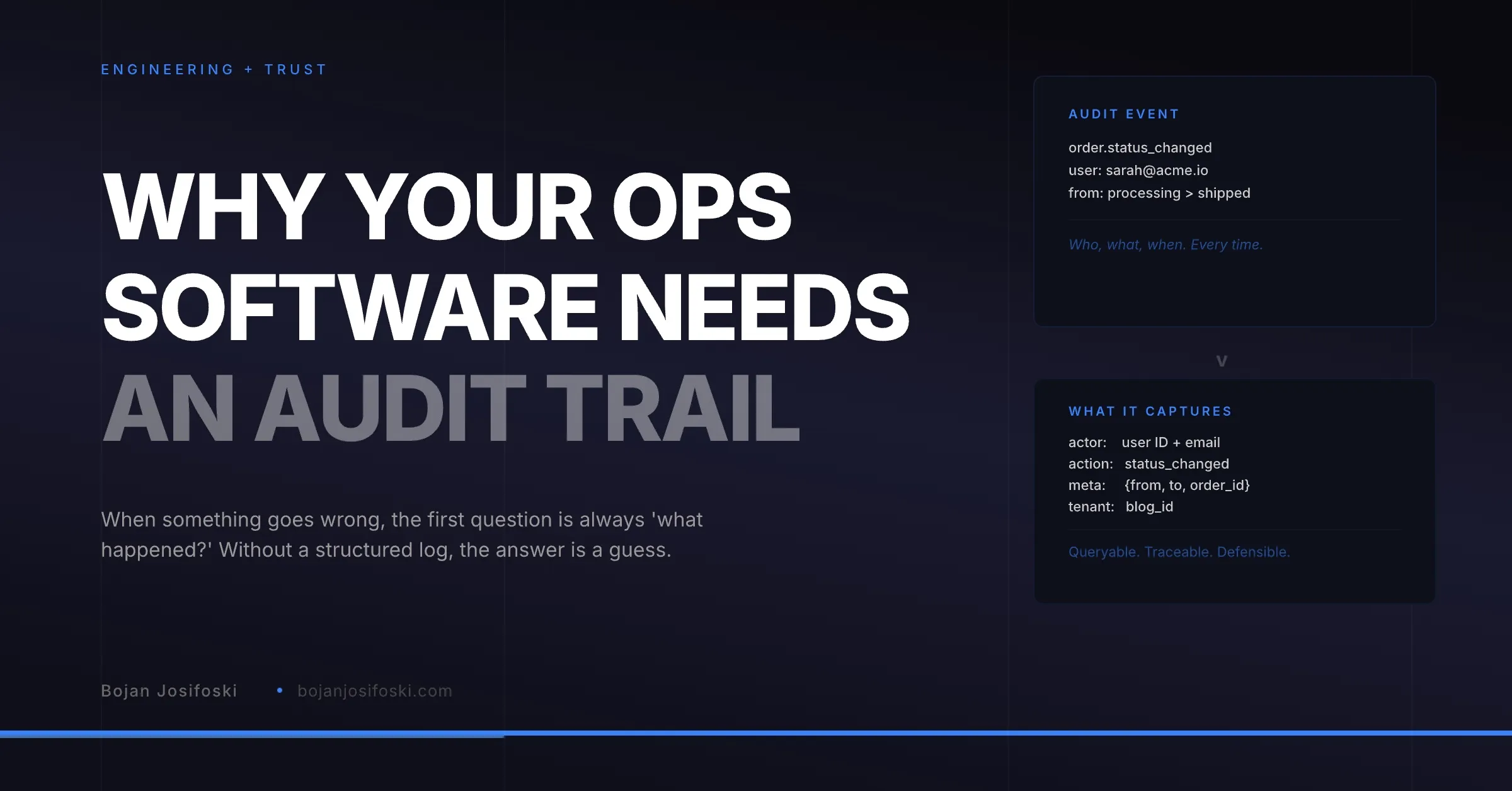
Every operational system has a moment where someone asks: “Who changed this? When? Why?” In a spreadsheet, the answer is a shrug. In most lightweight tools, the answer is “we do not track that.” In a properly built operational system, the answer is immediate, specific, and timestamped.
I built the audit trail in SampleHQ early, not as a compliance checkbox but as a debugging and accountability tool. It turned out to be one of the most valuable features in the system, not because users interact with it directly, but because it changes how problems get resolved.
What to Log
Not everything needs an audit entry. Logging every page view or every API call creates noise that makes the audit trail useless. The principle is: log events that change state or that someone might later need to understand.
For sample operations, the events worth logging are: order created, order status changed (with old and new status), order assigned to a different user, shipment tracking added or updated, delivery confirmed, CRM deal linked or unlinked, attribution computed, user role changed, sample added or modified, and bulk import completed.
Each entry captures four things: who did it (user ID and email), what they did (a structured action identifier, not free text), what context it happened in (order ID, sample ID, tenant ID), and when (server timestamp, not client timestamp).
The Schema
The audit log table is simple. Five columns cover most needs: actor (who), action (what), meta (additional context as JSON), tenant (which workspace), and created_at (when).
The meta column as JSON is important because different actions need different context. A status change needs the old and new values. A CRM link needs the deal ID and provider. An import needs the row count and error count. Rather than adding columns for every possible context field, a single JSON meta column accommodates all of them.
The action column uses structured identifiers rather than human-readable strings. “order.status_changed” rather than “Sarah changed order #412 from processing to shipped.” The human-readable version is constructed at display time from the structured data. This makes the log queryable, filterable, and translatable.
Where to Write
Audit entries should be written at the service layer, not the controller layer. If you write audit logs in the API controller, you miss events triggered by background jobs, webhook handlers, and internal system operations. If you write them in the service that actually performs the action, every code path that changes state gets logged regardless of how it was triggered.
In practice, this means the OrderService logs when it changes a status. The ShipmentService logs when it updates tracking. The CRMIntegrationService logs when it links a deal. The audit trail captures everything because the services are the single point where state changes happen.
Performance Considerations
Audit logging adds a database write to every significant operation. In a high-volume system, this matters. Two approaches keep it manageable.
First, batch inserts for bulk operations. When a CSV import creates 200 sample records, you do not need 200 individual audit entries. One entry that records “bulk import completed: 200 rows, 195 success, 5 errors” provides the necessary accountability without the write overhead.
Second, the audit table should be write-optimized. Minimal indexes on the write path, with queries running against the created_at and tenant columns that are indexed. Read queries against the audit trail are infrequent (someone investigating an issue) while writes are continuous (every state change in the system).
Multi-Tenant Audit Isolation
In a multi-tenant system, the audit trail must be tenant-scoped. Tenant A’s operations team should never see audit entries from Tenant B. The tenant column on every entry, combined with query filtering, ensures isolation.
There is a secondary use case for the platform operator: cross-tenant audit queries for debugging and support. When a customer reports an issue, the support team needs to see that tenant’s audit trail without logging into their workspace. A network-level admin view that filters by tenant ID serves this purpose without breaking isolation.
The Practical Value
The audit trail pays for itself the first time someone asks “why did this order sit in processing for a week?” Instead of asking three people and getting three different answers, you look at the log. The order was created on Monday. It was assigned to fulfillment on Tuesday. Nobody touched it until the following Monday when a manager noticed the delay and reassigned it.
That is not just debugging. It is process improvement data. If orders routinely stall at the same stage, the audit trail shows it quantitatively. If one team member consistently delays processing, the trail shows that too. Not as surveillance, but as operational insight that helps teams identify and fix bottlenecks.
For manufacturing teams that want better visibility, the audit trail is the foundation. Dashboards read from it. Reports aggregate it. Accountability depends on it. Without it, operational visibility is just a dashboard showing numbers without the history that explains them.
The audit trail in SampleHQ logs every significant operation across every tenant workspace. It is the foundation that makes operational reporting trustworthy and problem resolution fast.